

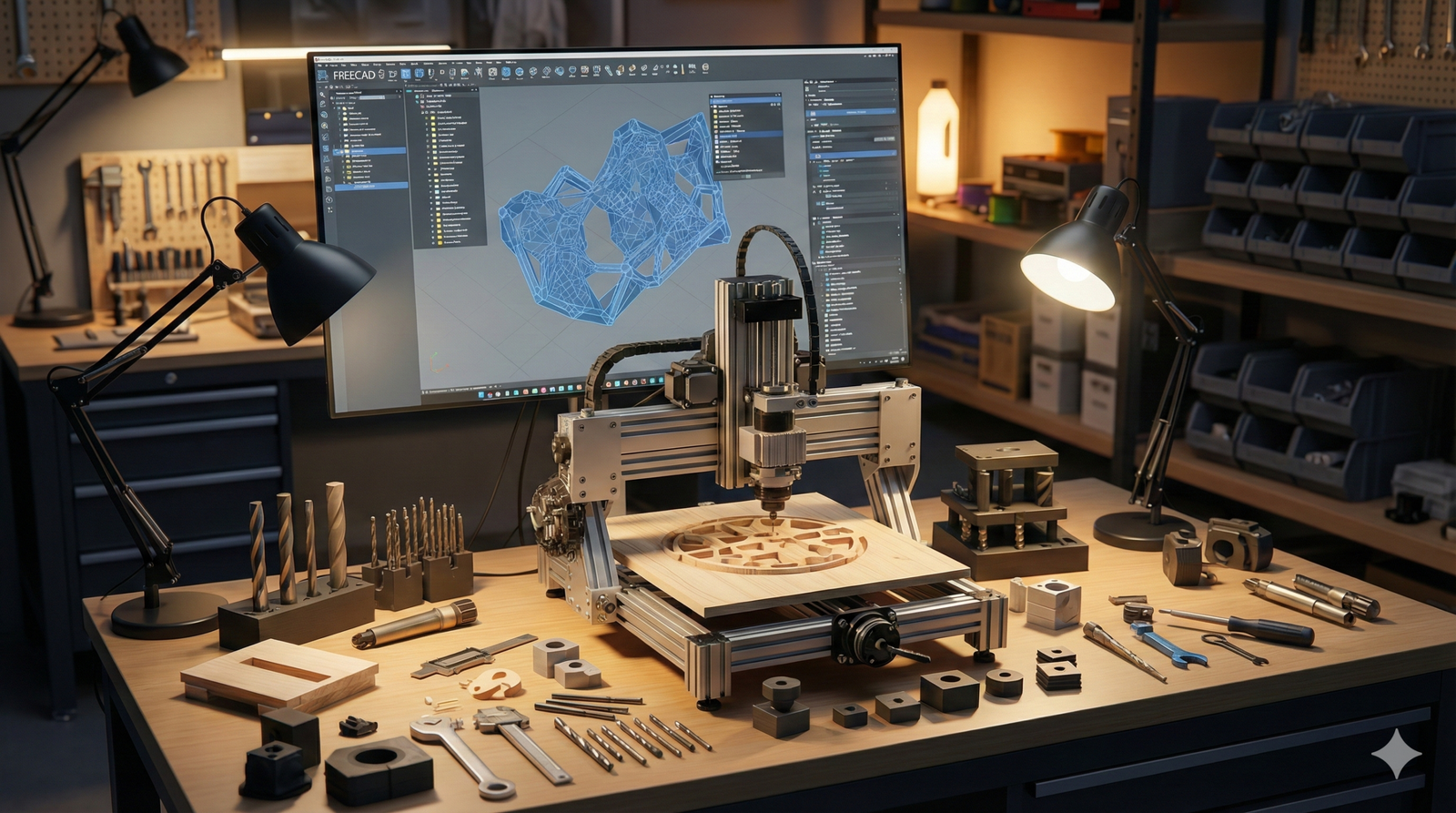
Whether you’re building mechanical keyboard frames in your garage or prototyping robotic parts for your startup, FreeCAD can be your best ally—if you know how to wield it properly. More than a beginner-friendly parametric modeler, FreeCAD is a power tool in the hands of makers ready to optimize their CNC production workflow.
Big industry players turn to SolidWorks for its polished UI and robust CAM add-ons—but at a hefty price. Enter FreeCAD: open-source, community-driven, and endlessly hackable. It might not look shiny, but it’s powerful, especially for the self-starter working with a homemade CNC driven by GRBL or similar open controllers. Here’s how to take your FreeCAD skills from functional to phenomenal.
Dive Deep: Advanced FreeCAD Features for CNC Design
- Parametric Modeling: Use sketch constraints religiously. Reuse features through parametric constraints and master the Dependency Graph to keep control over complex builds. Bonus: You can trace design evolution and roll back without breaking downstream operations—a real productivity win.
- Spreadsheet Integration: Centralize your key parameters (like material thickness, tool offsets, and part dimensions) in the Spreadsheet Workbench. You’ll unlock adaptive design—change one cell; auto-update your entire model.
- Part Design + Draft Workbench Hybrid: For 2.5D CNC parts, combine Boolean solids from Part Workbench with Draft’s vector snapping for toolpath-safe geometry creation.
Best Practices for Toolpath Generation and Optimization in Path Workbench
- Use Operation Templates: Save common drilling/milling setups as templates. For example: an 8mm flat endmill contour template with lead-in, ramping, and final pass buffer. Load once. Use everywhere.
- Path Simulation: Don’t skip this. Simulate with Path’s built-in inspector and compare it with external G-code viewers like CAMotics. You’ll squash runtime bugs before you waste stock.
- Tool Controller Best Use: Set exact spindle speeds, feed rates, and Z-safe levels customized for your machine’s rigidity. Overhead routers and 3D-printed frames need different tolerances than industrial HAAS machines.
- Suppress Links and Edges You Don’t Want: Refine sketches to avoid messy toolpaths generated from shared vertices or unnecessary geometry.
Customizing FreeCAD’s Post-Processors for Specific Homemade CNC Controllers
- GRBL Optimization: FreeCAD supports GRBL out-of-the-box, but open
grbl_post.pyin your FreeCAD scripts folder and adjust tolerances, header/footer behavior and coordinate precision to suit your firmware’s flavor. - Line Numbering & Coolant Codes: Disable M-codes if your CNC doesn’t support them and clean up redundant modal commands (e.g., remove unnecessary G17, G40).
- Use Path Post Processor Arguments: In the Job setup, append post-args like
--no-commentsor--circle-mode arcto fine-tune your G-code output.
Troubleshooting Common G-code and Machine Movement Issues
- Inverted Axis Movements: Double-check your G-code origin setup. Always home your machine before exporting and simulate with your exact GRBL settings (e.g., $130, $131, $132 limits).
- “Air Cuts” or Z-Too-High Issues: Misconfigured Z-safe heights haunt many workflows. Set them just above your clamps to reduce cycle time while avoiding crashes.
- Steppers Stalling at Certain Feeds: It’s not a FreeCAD issue—it’s physics. Simulate realistic loads and adjust G1 feed rates accordingly.
Integrating FreeCAD with Other Open-Source Tools for Enhanced Workflow
- Blender for Organic Shapes: Import .STL or .OBJ from Blender into FreeCAD for mesh-to-solid conversion. Needed for parts designed in sculpting workflows, like enclosures or tools.
- Inkscape for 2D Vectors: Use Inkscape to trace vector art or logos, then export to .SVG and bring into FreeCAD’s Draft Workbench. Perfect for engraving toolpaths using the Engrave Operation.
- OpenBuilds Control or bCNC: Post your G-code directly into these CNC controller suites for real-time edits, manual probe Z routines, or watchdog controls.
Conclusion: Forge Your Own Standard
FreeCAD doesn’t come pre-packaged with hand-holding—it’s a different beast than SolidWorks. But for those willing to tune and tinker, it offers total creative freedom. Cost? Zero. Limitation? Also zero, thanks to an explosive maker community and modular ecosystem.
Startups can prototype fast without licensing red tape. Makers can turn napkin sketches into precision-milled parts in an afternoon. The door is wide open—and the only thing between you and your next CNC masterpiece is mastery.
What’s your current FreeCAD CNC setup? Drop a comment and share your tweaks, tools, or G-code hacks. Let’s build smarter—together.