

Artificial Intelligence is no longer just for generating text or “shlocky” images. For the modern maker, AI has become a powerful design partner that can turn a simple idea into a physical product faster than ever before. But with so many tools popping up, which ones actually work for 3D printing?
At My Machines, we are always looking for ways to democratize digital fabrication. Whether you are a FreeCAD pro or a complete beginner, here is how you can leverage AI to supercharge your workflow.
1. The Gateway: 2D AI to 3D Physicality
You don’t always need to generate a 3D model directly to make a product.
- DALL-E + Lithophane Maker: Use DALL-E (via ChatGPT) to create unique, abstract images. Upload these to a tool like Lithophane Maker to create custom nightlights or lamp covers.
- The Strategy: This allows you to create hundreds of variations of a product passively, listing them on your store and printing only when an order arrives.
2. Generative 3D Modeling (The Organic Side)
If you need creative, organic shapes like characters, terrain, or decorative objects, these tools are leading the way:
- Rodin: A text-to-3D generator that handles organic shapes well. Great for a “baseline” that you can later refine. [01:37]
- SuperCraft: Follows a “Chain of Thought” workflow. You start with a broad prompt and evolve the design until it matches your vision. Excellent for industrial design ideation. [02:30]
- Backflip: Created by the founders of Markforged. It’s more “engineering-minded” and often ensures models have a flat base, making them much easier to print on a standard bed. [03:45]
- The Limitation: These tools use “reverse photogrammetry,” which can lead to “artifacting” (rough surfaces). They are great for assets, but often lack the precision needed for mechanical parts.
3. The Pro Move: AI + OpenSCAD (Precision Engineering)
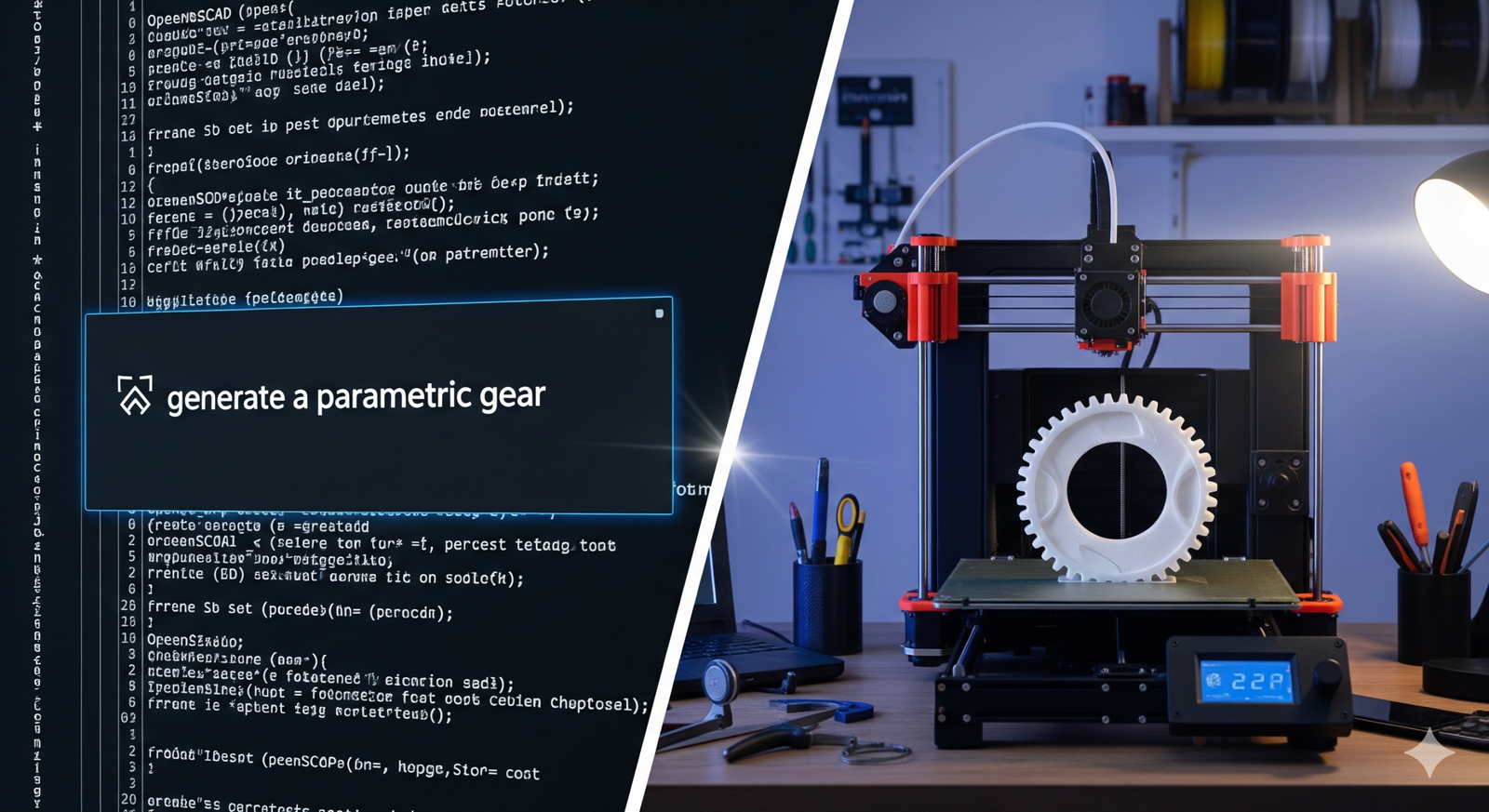
This is where the real power lies for the My Machines community. If you need a functional part with exact dimensions but don’t want to spend hours in a CAD interface, use an LLM (Claude or ChatGPT) to write OpenSCAD code. [05:40]
- How it works: Instead of asking the AI to “draw a gear,” ask it to “write OpenSCAD code for a gear with 20 teeth and a 5mm center hole.”
- The Advantage: Because it’s code-based, the output is mathematically precise. You don’t need to learn a complex UI; you just need to be precise in your language.
- The Freedom: This is a perfect bridge for those moving between the industrial world of SolidWorks and the accessible world of FreeCAD or OpenSCAD.
4. Selection Over Inventory
The real revolution here isn’t just about making models; it’s about Infinite Selection with Zero Inventory.
- Using AI, you can design a vast catalog of parts or products.
- You only “fabricate” the design when a customer demands it.
- This is the essence of the DIY and Open Source movement: shifting the value from the physical object to the digital intelligence behind it.
Conclusion: AI is an Enabler, Not a Replacement
AI won’t replace the maker’s “hands-on” soul, but it will handle the “excruciating detail” that often stalls a project. Whether you’re building a custom CNC or prototyping a new gadget, these tools allow you to focus on the mastery of the final product.
What’s your current AI-to-Print workflow? Have you tried generating OpenSCAD code yet? Share your results in the comments!